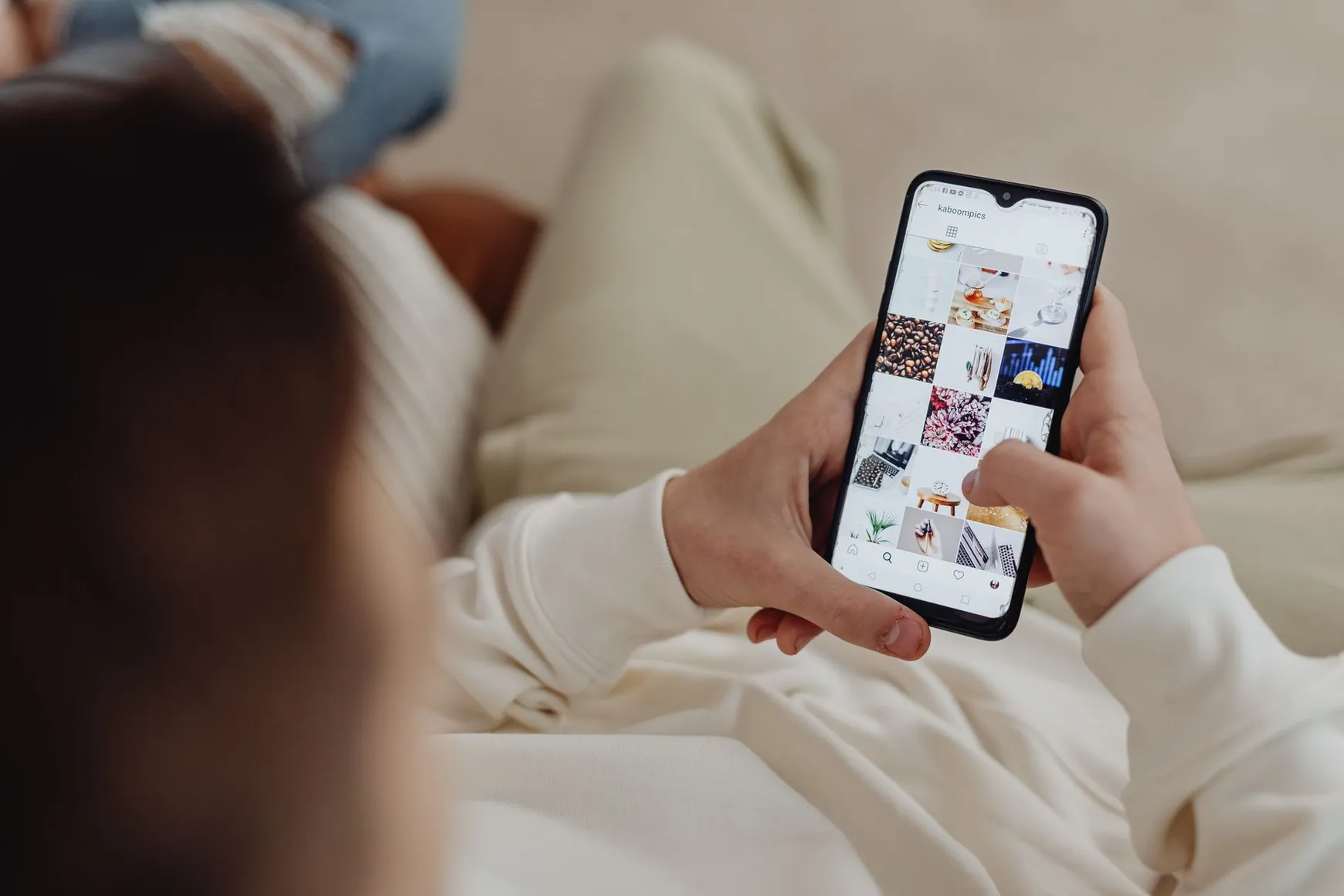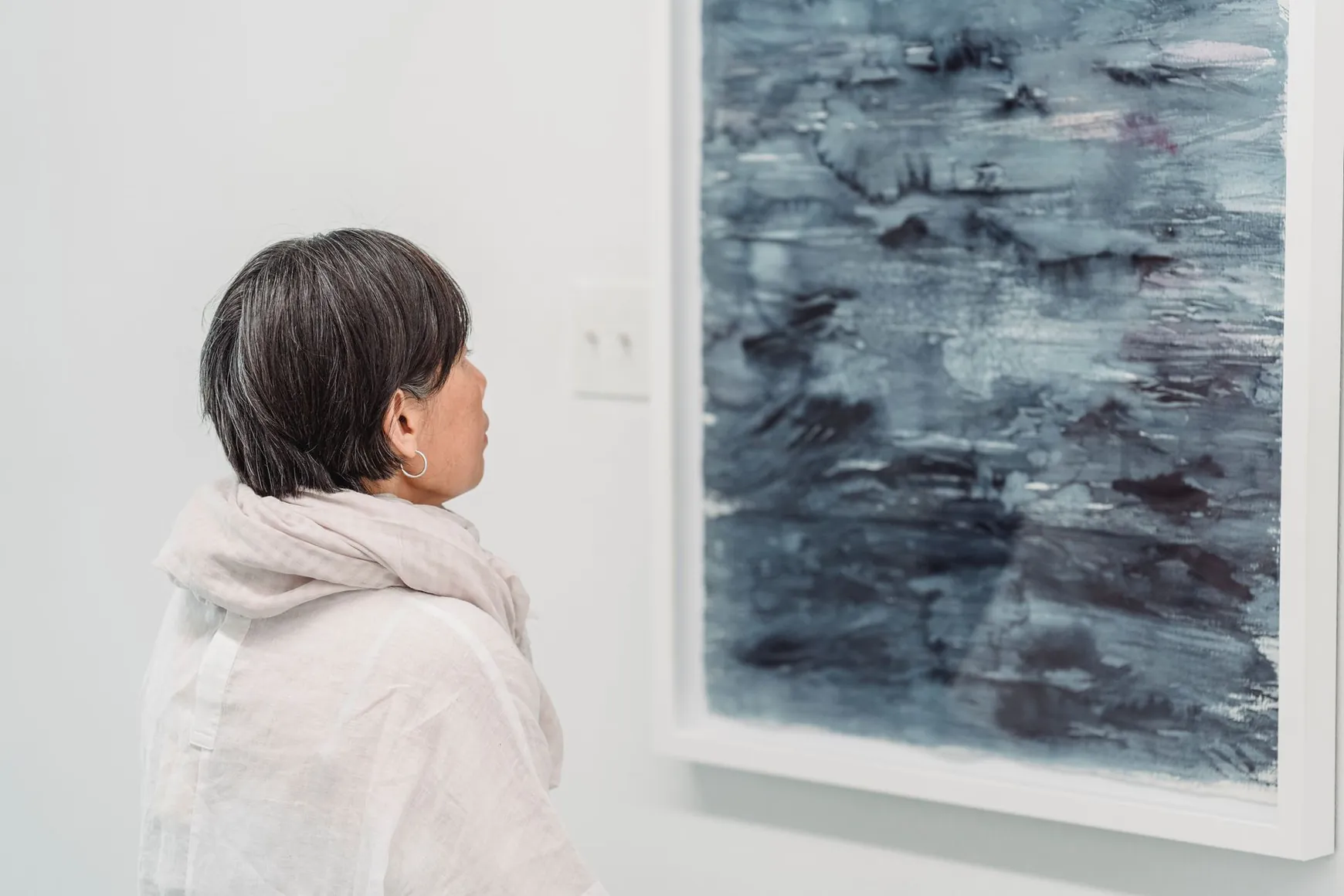
You spent hours curating a beautiful 3D gallery, and now it sits at a single link,ready to impress. The hard part isn't building it anymore; it's getting people to click. If you want to share a 3D gallery on Instagram, launch it on TikTok, or drive traffic through your bio link, the tactics below are built around the one thing MyGallery3D does that heavier tools don't: a single shareable link that works everywhere, no app, no embed code, no login wall.
Why One Link Changes Everything for Your Launch
Most 3D showroom builders force visitors through a downloaded app, a clunky iframe, or a "click to enable WebGL" warning before they see anything. That friction kills momentum on social media, where attention spans are measured in seconds. MyGallery3D generates one URL that opens instantly in any mobile browser, the same link you drop in an Instagram bio, a TikTok caption, or a Story sticker works everywhere, and every visitor lands directly inside the walkable space in seconds. That's the real unlock: you're not promoting a virtual showroom on social media, you're promoting a link that behaves like a normal webpage but feels like a real room.
How to Share a 3D Gallery on Instagram
Instagram is still the strongest platform for visual work, paintings, product lines, photography portfolios, so it deserves a layered approach across feed, Stories and Reels rather than a single post.
Feed Carousel: The Walkthrough Preview
Post a 5-to-8-slide carousel that mimics walking through the gallery: a wide establishing shot, then closer angles of your best pieces, then a final slide with a clear "link in bio" call-to-action. Carousels reward patience, followers who swipe through several slides tend to engage more per post, so treat each slide as a reason to keep swiping rather than repeating the same angle.
Stories and the Link Sticker
Instagram's link sticker is the fastest bridge between "I'm curious" and "I'm inside the gallery." All creators and businesses can now use the link sticker, so there's no follower-count threshold blocking you anymore. Post a short clip of the gallery loading, drop the sticker directly over the walkthrough, and repeat it across three or four Stories on launch day, repetition within Stories rarely feels spammy the way repeated feed posts would.
Reels That Stop the Scroll
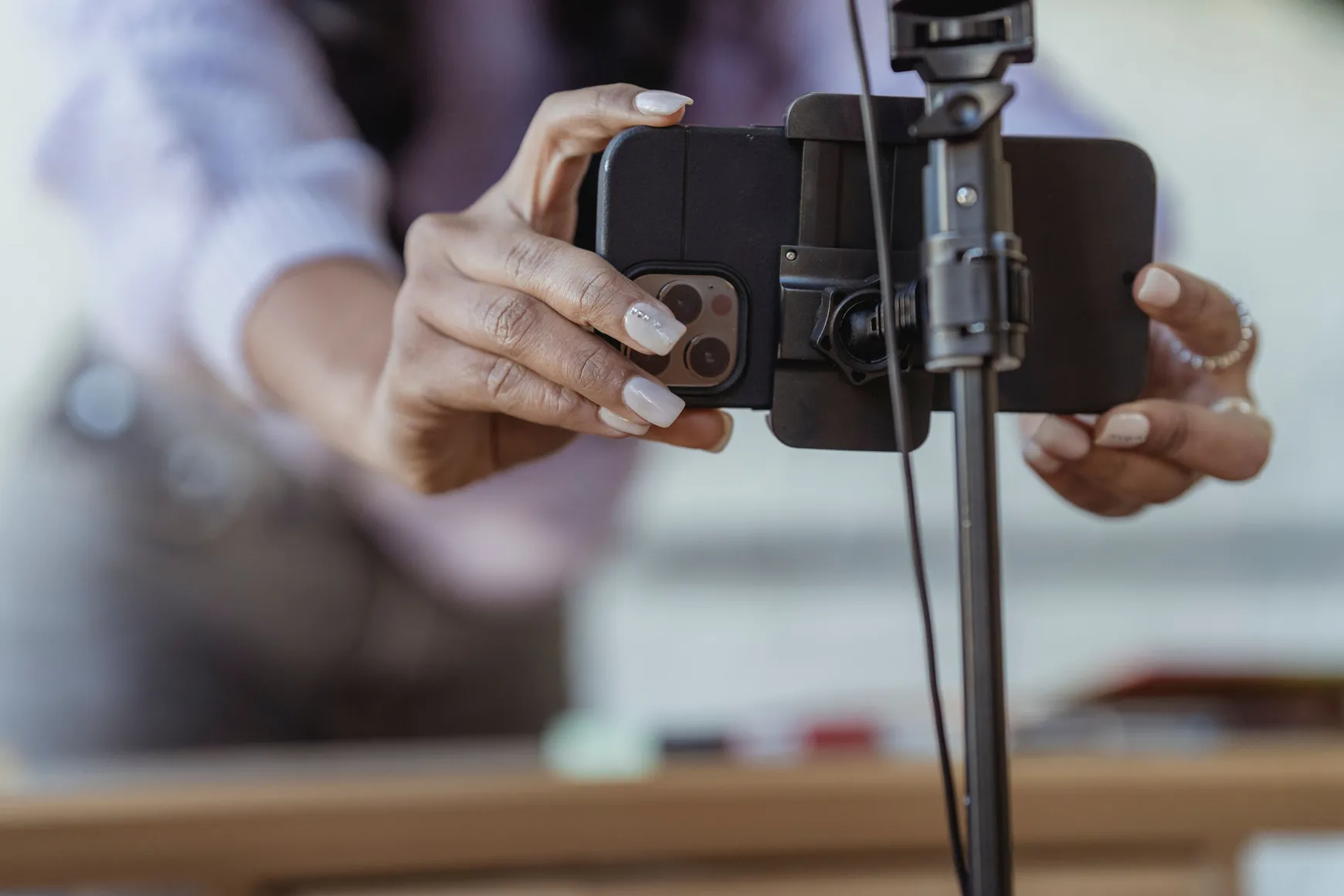
Your teaser video for Reels should open mid-action: a screen recording that starts already walking through a doorway, not a logo animation. Keep it under 15 seconds, add on-screen text naming what's inside ("New spring collection, walkable in 3D"), and end on your most striking piece before cutting to a text card that says "full gallery, link in bio."
TikTok Product Showcase Ideas for Your Virtual Gallery
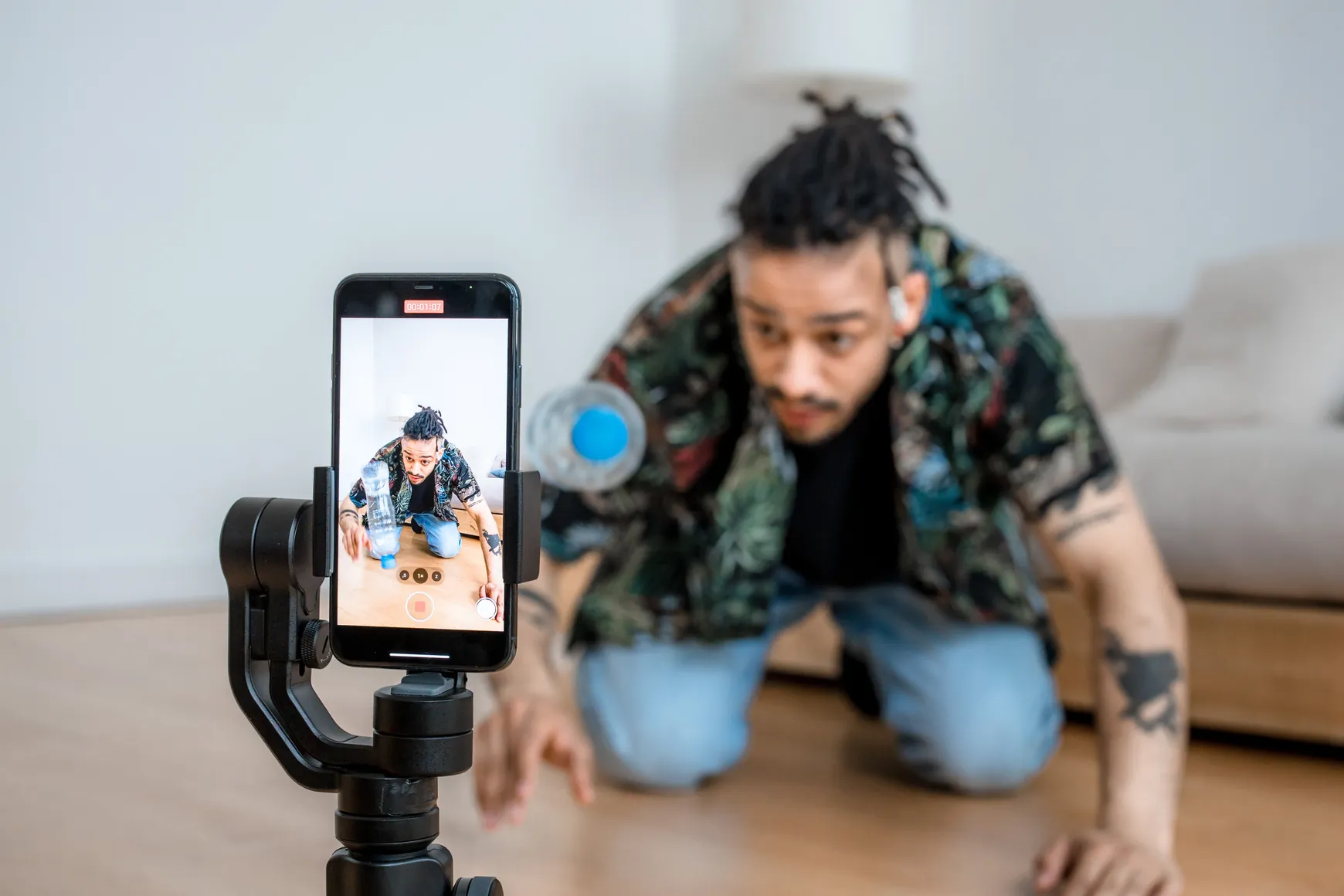
TikTok audiences reward authenticity and pacing over polish. Small businesses can make the most of TikTok with behind-the-scenes content, product demonstrations, launch previews, and trend participation, all of which map naturally onto a gallery launch. A few formats that consistently work for virtual showroom creators:
- POV walk-in: film your phone screen as if you're a visitor stepping through the gallery door for the first time, reacting to pieces as you "discover" them.
- Spot-the-detail: zoom into one product or artwork inside the gallery and challenge viewers to find it once they open the link themselves.
- Before/after: flat product photo on one side, the same piece staged in the 3D room on the other, a satisfying transformation the algorithm tends to favor.
- Countdown teaser: three short clips posted over the days before launch, each revealing one more room or wall, building anticipation for the full link drop.
On length, videos around 30 seconds get the highest TikTok engagement rate, while 2-3 minute videos get the most views. For a gallery teaser, aim for the 20-30 second sweet spot, enough to show three or four pieces without losing the swipe-happy viewer.
Building a Link-in-Bio Virtual Gallery Hub
If you only have one gallery to promote, you don't need a separate link-in-bio tool at all, your MyGallery3D link can sit directly in the bio field and do the job on its own, with none of the extra taps a link-aggregator page adds between the click and the walkthrough. Aggregators like Linktree earn their place once you're juggling several destinations: 70M+ Instagram creators, musicians, influencers and brands use Linktree precisely because they need one link that fans out to many. If that's your situation, say you sell on Etsy, run a newsletter, and also have a gallery, put the gallery link at the very top of that list, since it's the most visually persuasive thing you can offer a first-time visitor.
Timing Posts Around a New Gallery Launch
Timing won't save a weak teaser, but it will squeeze meaningfully more reach out of a good one. The best time to post on Instagram is from 12-3PM or 6-9PM, with Friday considered the best day for engagement, followed closely by Saturday and Sunday. A simple launch sequence that respects this:
- 5-7 days before: countdown teasers on Stories and TikTok, no link yet, just curiosity.
- Launch day, midday: feed carousel with the full walkthrough and the link in bio.
- Launch day, evening: Stories with the link sticker, repeated three or four times through the evening window.
- Day +1 or +2: the polished TikTok/Reel version, once you've seen which teaser clip got the most saves and shares.
Because MyGallery3D publishes to one link instantly, you can adjust this whole calendar without waiting on a developer or re-exporting a file — swap a room, change a product, and the same link updates behind the scenes.
Ready to Give Your Followers Something to Click
Building the gallery is free, and you only pay when you actually go live, so there's no reason to wait for a "perfect" collection before testing these formats. Start with a small selection of pieces, build your first walkable space, and use the teaser formats above to send your first wave of Instagram and TikTok followers straight into it. If you want extra polish for a bigger launch, custom branding, more storage, priority rendering, the PRO plan is there as a bonus upgrade, never a requirement to get started at mygallery3d.com.
FAQ
Do I need special software to share a 3D gallery on Instagram?
No. Because MyGallery3D generates a standard web link, you only need to paste it into your bio or a link sticker, visitors open it in their normal mobile browser without installing anything.
What's the best day and time to launch a new gallery on social media?
Data consistently points to early afternoon or early evening on Fridays, Saturdays or Sundays as strong windows for Instagram engagement, though your own audience's habits should always take priority over general benchmarks.
Can I reuse the same teaser video for TikTok and Instagram Reels?
Yes, with light edits. Keep the raw walkthrough footage, but trim it to roughly 15 seconds for Reels and closer to 20-30 seconds for TikTok, since the two audiences respond slightly differently to pacing.
Do I really need a link-in-bio tool if I only have one gallery?
Not necessarily. A single MyGallery3D link works perfectly as your bio link on its own; an aggregator tool only becomes useful once you're promoting several destinations at the same time.
Sources
- When Is the Best Time to Post on Instagram in 2024? [Cheat Sheet] — HubSpot, 2024
- The #1 Link In Bio Tool For Instagram — Linktree
- Best TikTok Video Length: What the Data Shows — Socialinsider
- Share Links in Instagram Stories to Everyone — About Instagram
- 8 Small Business TikTok Ideas to Grow Your Brand (2025) — Shopify