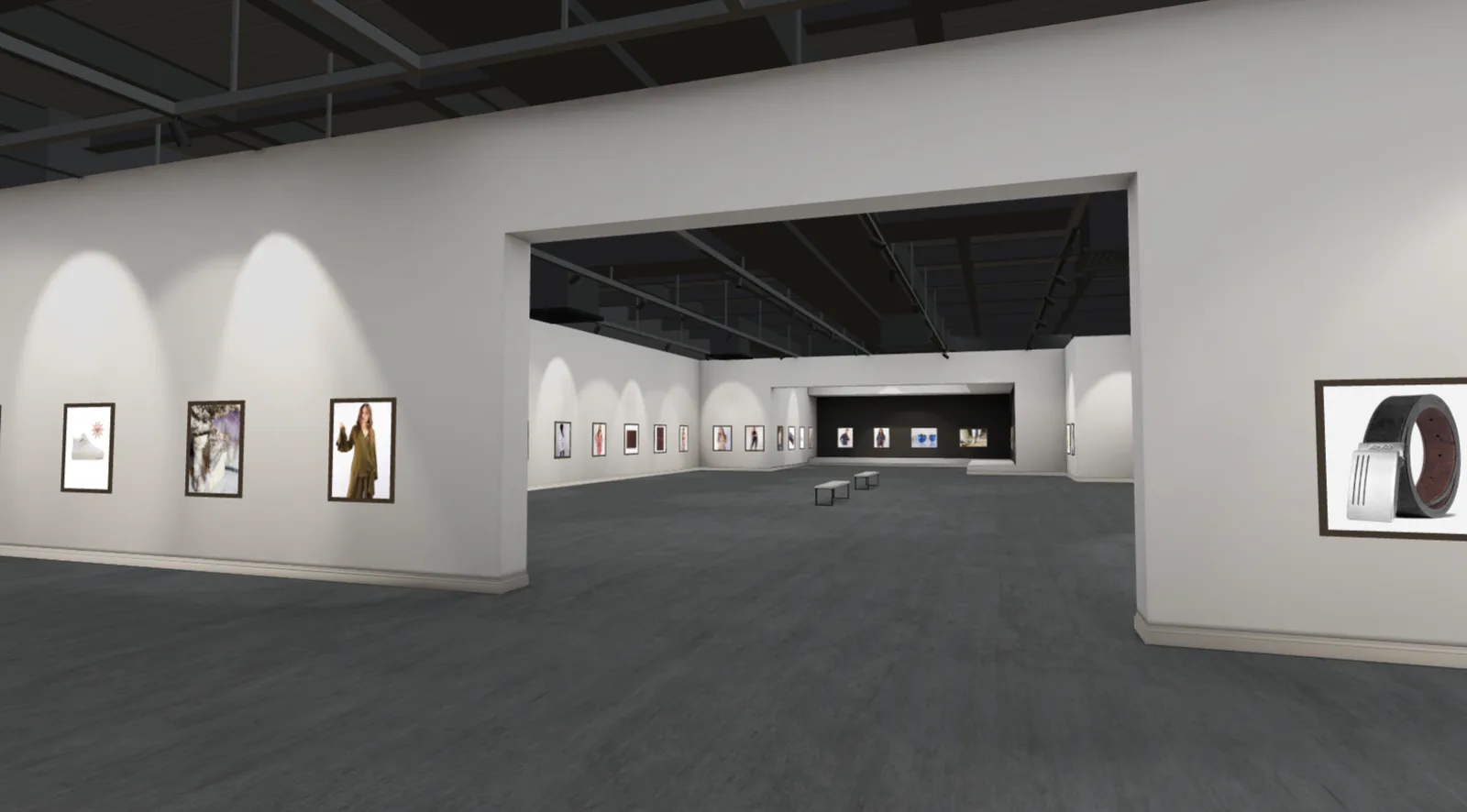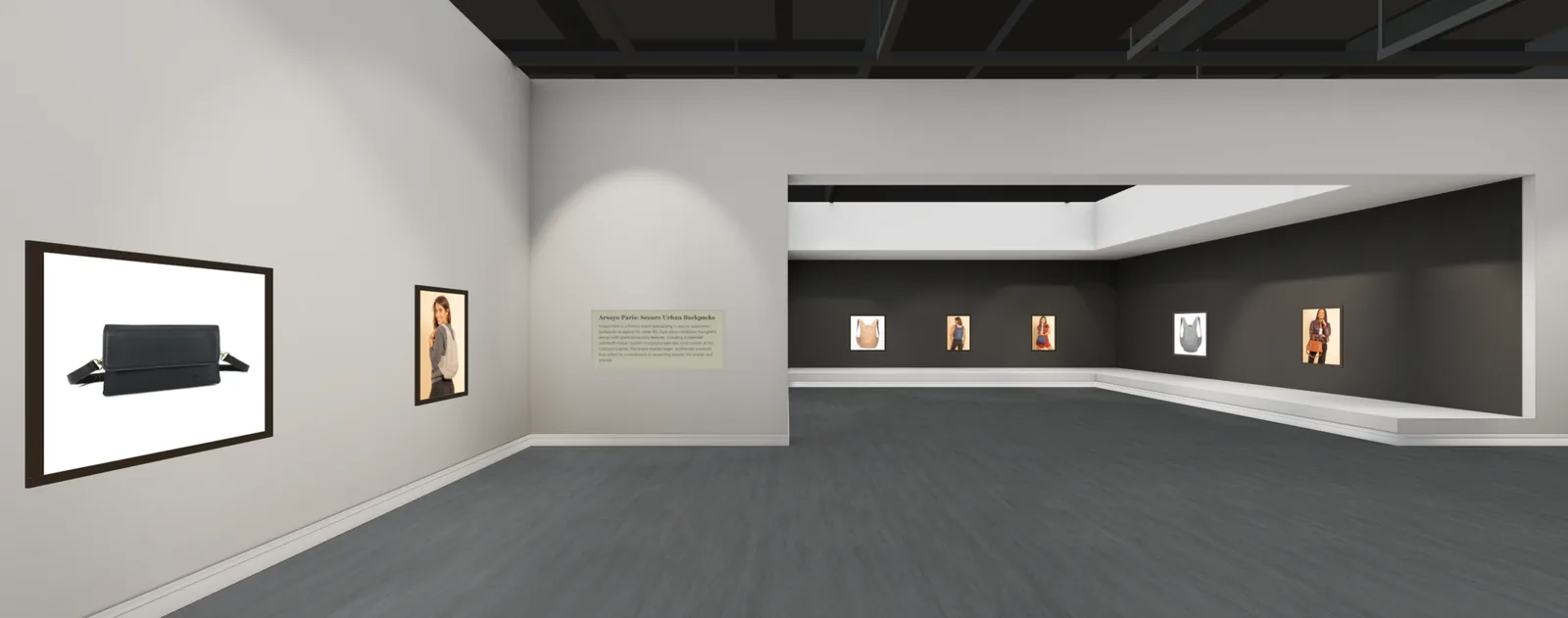
Do you need a 360-degree camera to build a 3D gallery? No, not anymore. If you already have regular photos of your products or artwork, that's all MyGallery3D's AI needs to generate a fully walkable 3D gallery you can share with a single link.
This matters because most people who want to showcase their work online stop before they even start. They read that they need a panoramic rig, stitching software, or a 3D modeling background, and they close the tab. That barrier is exactly what we built MyGallery3D to remove.
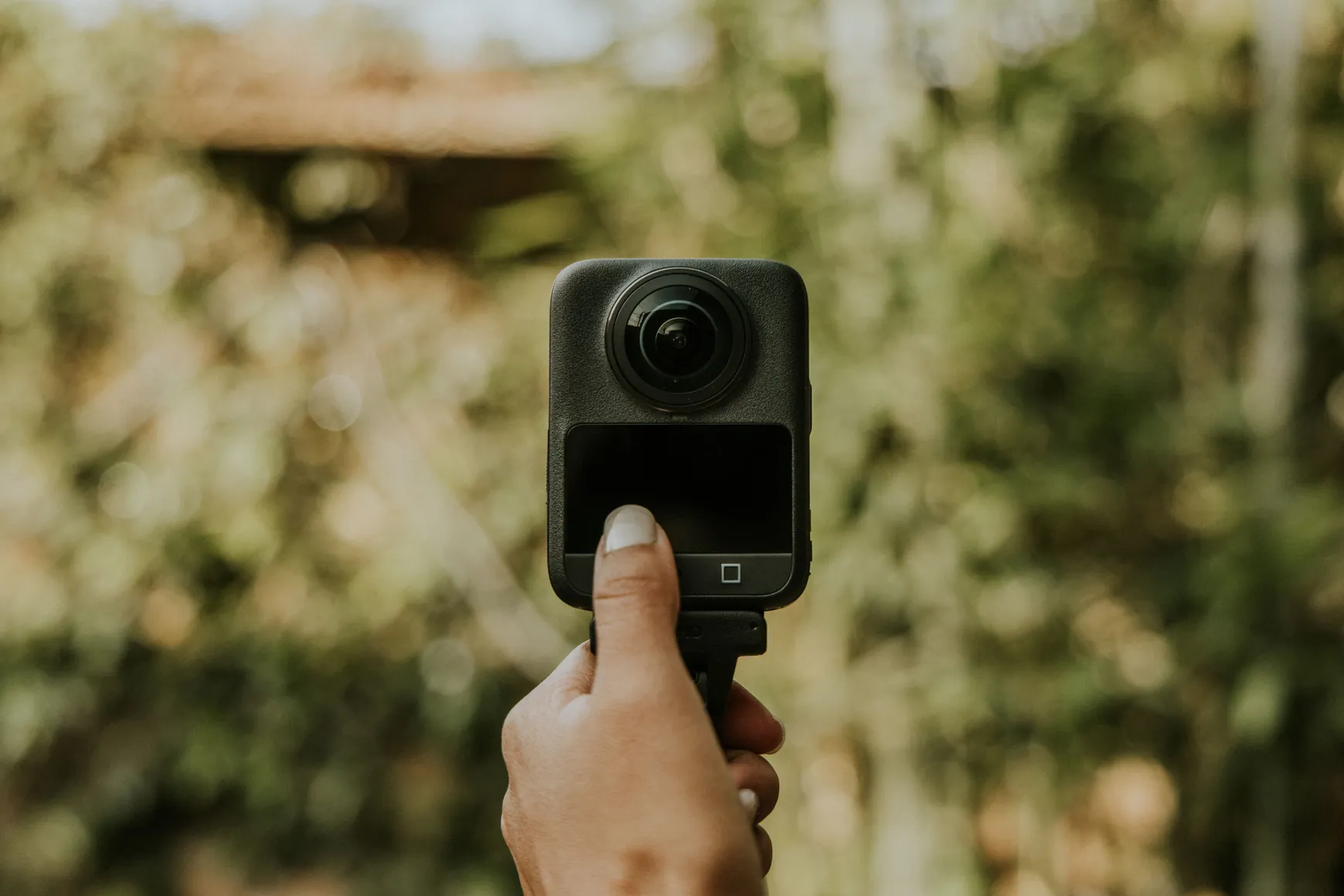
Why Most Virtual Gallery Tools Require Heavy Equipment
Traditional virtual tour platforms were designed for real estate: walk into a physical space, capture it with a 360 camera, then stitch the panoramas together in desktop software. That workflow makes sense for a house or a showroom you can physically walk through with a tripod.
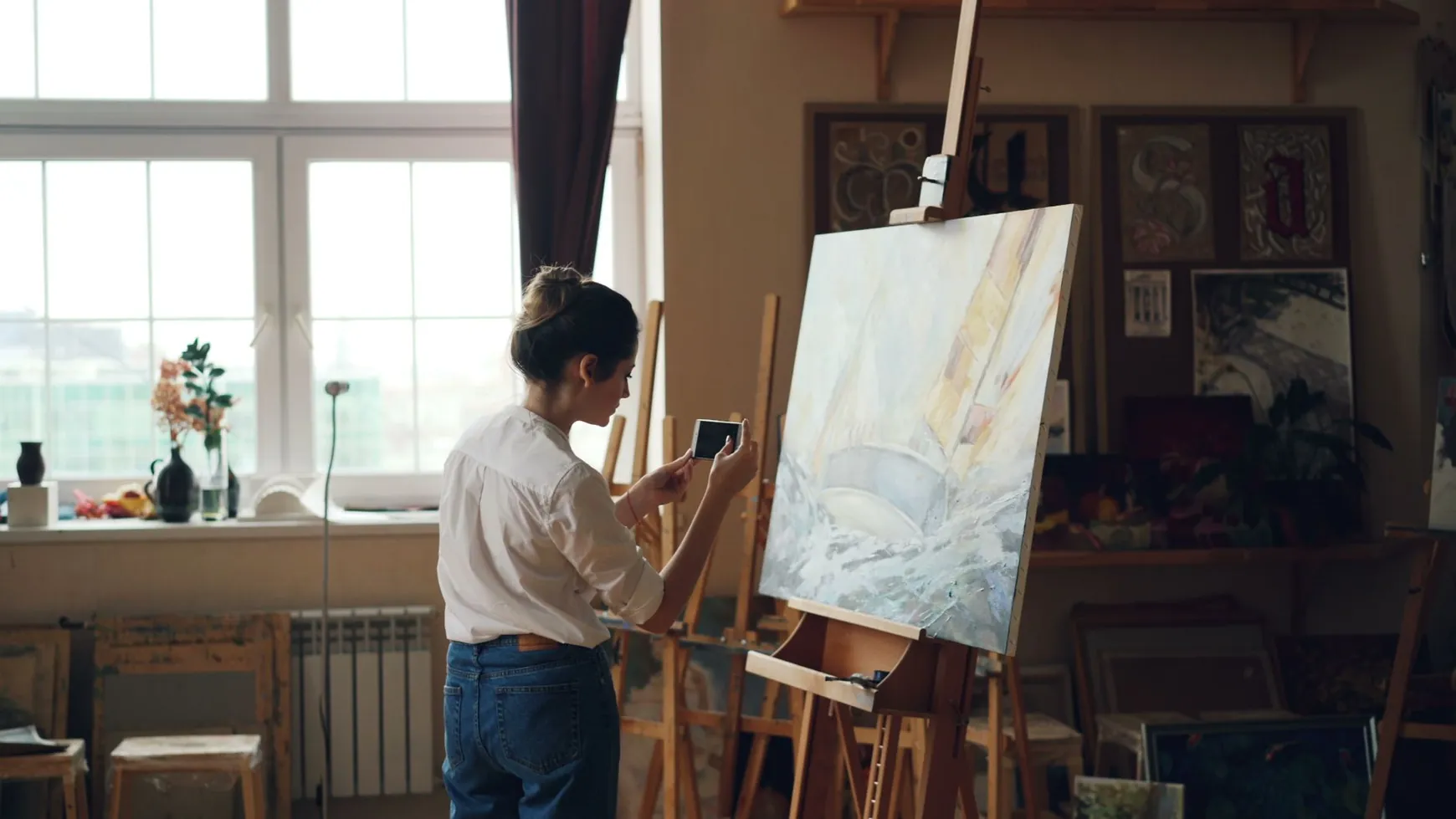
But if you're a painter, a photographer, or an Etsy or Shopify seller, you don't have a physical showroom to walk into. You have photos, product shots on a white background, framed prints, flat lays of jewelry or ceramics. Forcing that content through a 360-camera workflow means buying gear you'll rarely reuse, learning stitching software, and spending hours per project just to get a basic walkthrough.
Creating a 3D Gallery From Photos, No Equipment Needed
MyGallery3D takes a different approach. Our AI take your existing images, the same photos you'd use on a product page or in a portfolio, frame them, and hang them on a wall of a 3D room automatically. There's no panorama, no stitching, no desktop plugin to install.
You upload your images (or connect your Shopify or Etsy store), and within minutes the AI places each piece on a virtual wall or pedestal, spaces them naturally, and generates a space visitors can walk through using their keyboard, mouse, or touchscreen; on desktop or mobile, no VR headset required.
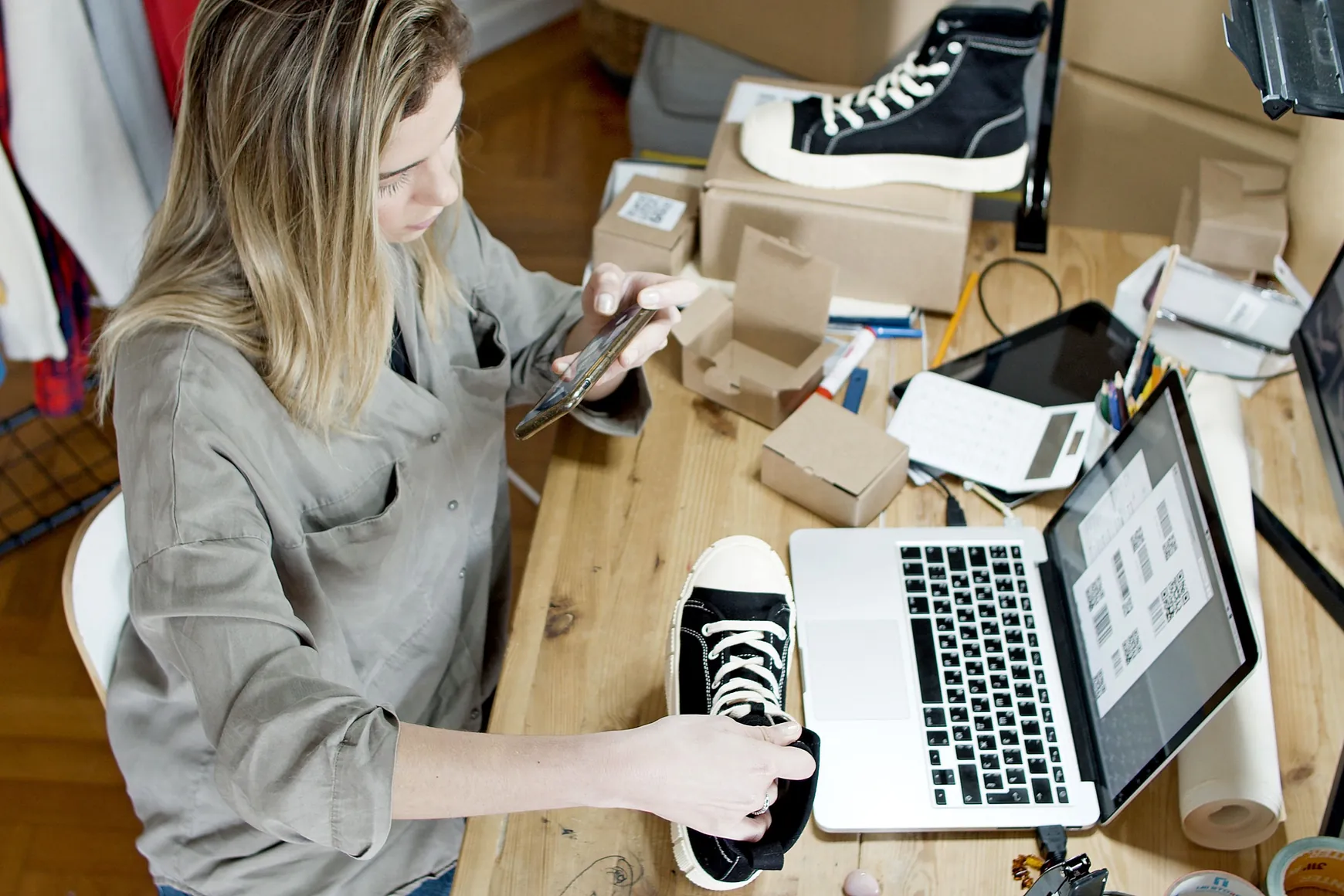
Step-by-Step: From Upload to Live Link
1. Choose your source
Start from a folder of images, or connect an existing Shopify or Etsy catalog. If you're a photographer or artist, a simple batch of JPEGs or PNGs works fine, no special export settings needed, our ai will optimize the pictures for you.
2. Let the AI build the layout
MyGallery3D's engine reads your images, groups them logically (by collection, category, or upload order), and generates a walkable 3D room within a minute. You don't design anything manually unless you want to tweak it.
3. Preview and adjust
Walk through your gallery before publishing. Reorder pieces, swap a frame texture, or rename a room, all from your browser, no software download.
4. Publish and share
Once you're happy, publish. You get one shareable link that works everywhere: Instagram bio, email signature, marketplace listing, or a QR code at a physical event. Building the gallery is free; you only pay when you decide to go live and share it with the world.
Who This Is For
This AI 3D gallery approach with no equipment fits a wide range of creators: a ceramicist with a small Etsy shop, a landscape photographer building a digital portfolio, a Shopify store owner who wants a more memorable way to present a new collection than a scrolling grid. In every case, the barrier to entry is the same photos they already have, not new gear or new skills.
Ready to see it for yourself? Build your first walkable gallery free and go live with a shareable link whenever you're ready, no camera rig, no stitching, no 3D experience required.
FAQ
Do I need a 360 camera to make a 3D gallery?
No. MyGallery3D's AI builds a walkable 3D gallery directly from standard product or artwork photos, the same images you'd use on a website or marketplace listing.
Is it really free to create a 3D gallery from photos?
Yes, building and previewing your gallery is free. You only pay when you choose to publish it live and share the link publicly.
Can I use my existing Shopify or Etsy photos?
Absolutely. You can connect your store directly or upload the same image files you already use for your product listings, no re-shooting needed.
What if my photos have different sizes or backgrounds?
The AI adapts to mixed aspect ratios and backgrounds automatically, though a neutral, evenly lit background tends to give the cleanest result.