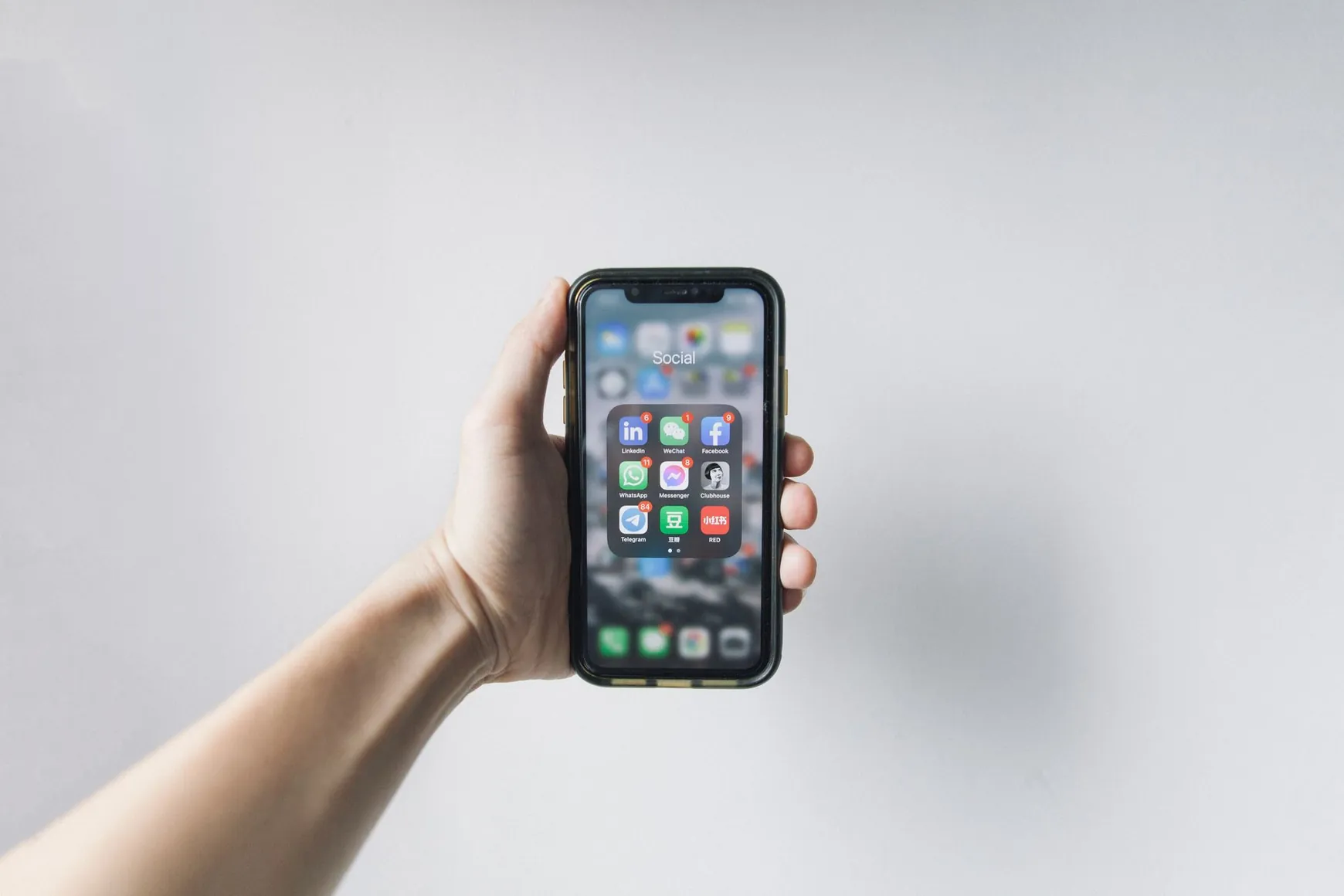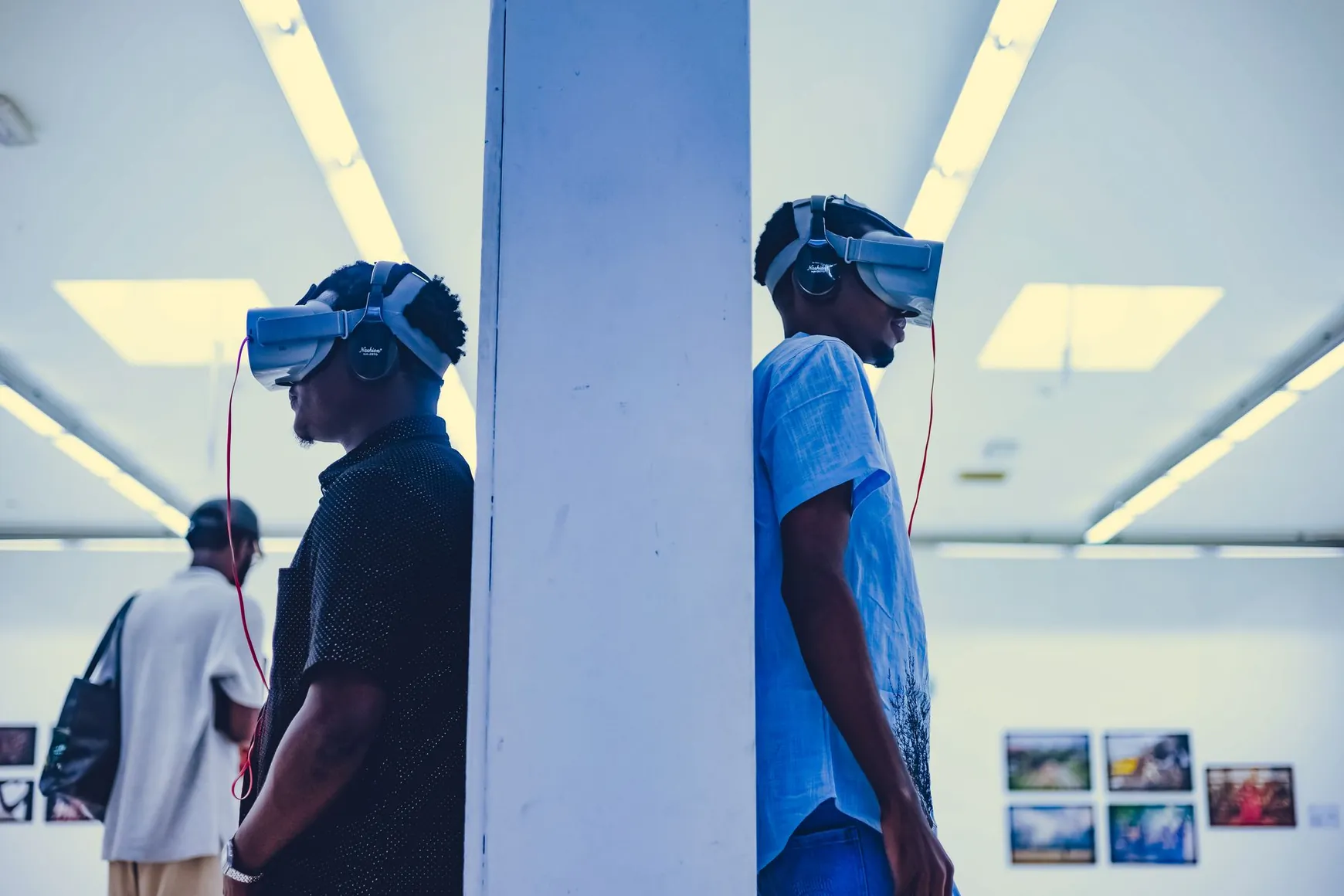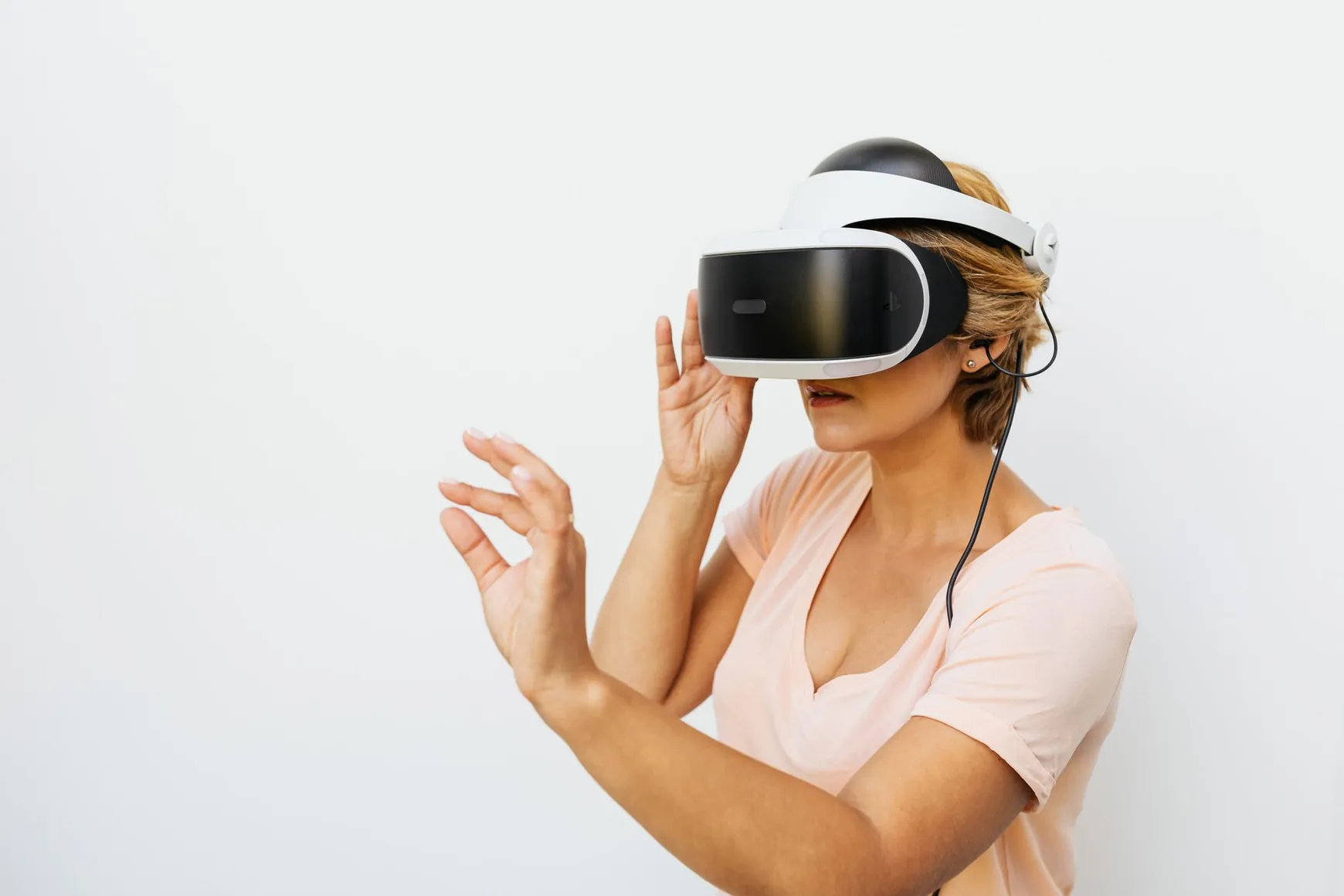
Short answer: no. You do not need a VR headset to walk through a 3D virtual gallery. If you're building one with MyGallery3D, or simply wondering whether you'll need to buy expensive equipment to view one, the gallery opens like any other webpage: in a browser, on the device you already own.
This question comes up constantly from shop owners, photographers and artists who assume "3D" automatically means "VR goggles." It doesn't. Here's the full, no-jargon answer, plus what actually happens when someone clicks your gallery link.
Do You Need a VR Headset for a Virtual Gallery? The Short Answer
No. A modern browser-based 3D virtual exhibition, the kind MyGallery3D generates automatically from your product photos or artwork, runs entirely inside a standard web browser. There is nothing to download, install or plug in. Anyone with a laptop, desktop computer, tablet or smartphone can open the link and start exploring within seconds.
How a Browser-Based 3D Gallery Actually Works
The technology behind this is a web standard that lets 3D content run directly inside the browser instead of inside a dedicated app or headset software. This web standard allows developers to create immersive experiences that run directly in a web browser, be it on a computer, smartphone, or even a compatible headset. In practice, that means the same single link you share on Instagram, in an email, or on your Shopify product page adapts itself automatically to whatever screen it's opened on.
Just like a regular website.
That's exactly the principle behind a MyGallery3D space: no app store, no plugin, no account required from your visitors.

3D Gallery Without VR: What Visitors Actually Use to Move Around
Navigation is intentionally simple, because the whole point of a browser-based tour is that it feels familiar, not technical:
- On a desktop or laptop: visitors look around and move using the mouse and arrow keys or WASD, exactly like scrolling through a webpage.
- On a smartphone or tablet: visitors swipe and tap, and on many devices can even tilt the phone to look around, similar to a 360° photo.
As one guide to headset-free virtual reality puts it, on a desktop you can explore these experiences with a mouse and keyboard, dragging the view to look around the 3D space, while on a smartphone, moving your phone around lets you use its sensors to look around the environment, similar to viewing a 360-degree photo but with interactive 3D elements. No headset, no controller, no learning curve, just a link.
Why Accessibility Matters for Shop Owners and Artists
An accessible 3D museum isn't just a nice-to-have, it directly affects how many people actually see your work. If a virtual tour required a headset, you'd instantly lose the vast majority of potential visitors: collectors browsing on their phone during a commute, customers comparing products on a work laptop, or gallery visitors who simply don't own a headset. Even within the VR industry itself, cost and complexity are recognized as real barriers to adoption: headset fatigue, cost, and the learning curve remain barriers for fully immersive VR experiences. A browser-based gallery sidesteps all of that.
For an Etsy shop, a photography portfolio or a small boutique, that accessibility translates directly into reach: every visitor who can open a link can walk through your space, wherever they are and whatever device is in their hand.

When Might a VR Headset Still Be Useful?
A VR headset is never required with MyGallery3D, but it's worth knowing it isn't excluded either. The same browser-based technology that powers a no-VR tour can, for visitors who happen to own compatible headset hardware, sometimes be pushed further into full immersion: for those who do have a headset, the same experience can often be elevated to full immersion. In other words, the headset is always an optional bonus for the rare visitor who wants it, never a barrier for everyone else.
Build a Gallery Everyone Can Actually Visit
The whole idea behind MyGallery3D is to remove friction, not add it. Upload your product photos, portfolio images or store catalog, and our AI turns them into a walkable 3D space in minutes, viewable by anyone, on any browser, on any device. Creating your gallery is free, and you only pay when you're ready to publish it live and share the link with the world. If you've been holding back because you assumed visitors would need special equipment, this is your sign to build your first gallery for free and see how easily people can walk through it from their phone.
FAQ
Do visitors need to download an app to view my gallery?
No. A MyGallery3D tour is a web link. Visitors open it in their existing browser. Chrome, Safari, Firefox or Edge, on desktop or mobile, with nothing to install.
Does a 3D gallery work on smartphones and tablets?
Yes. Browser-based 3D galleries are built to run smoothly on phones and tablets, with touch and swipe controls, or tilt-to-look on supported devices, exactly as they do on a computer screen.
Is a 3D gallery without VR still worth building?
Absolutely. Most visitors will never own a headset, so an accessible, browser-based gallery reaches far more people than a VR-only experience, while still giving that walkable, spatial feeling that flat photos can't.
Do I need special software to create the gallery myself?
No. You simply upload your images to MyGallery3D and the AI generates the walkable 3D space automatically, no 3D modeling skills, no software installation, on your side or your visitors'.
Sources
- Can You Do VR Without a Headset? Exploring Accessible Virtual Realities — INAIRSPACE, 2025
- Virtual Reality Art Installations: Immersive Experiences in Galleries — Museum of Modern Art Africa (MOMAA), 2026